
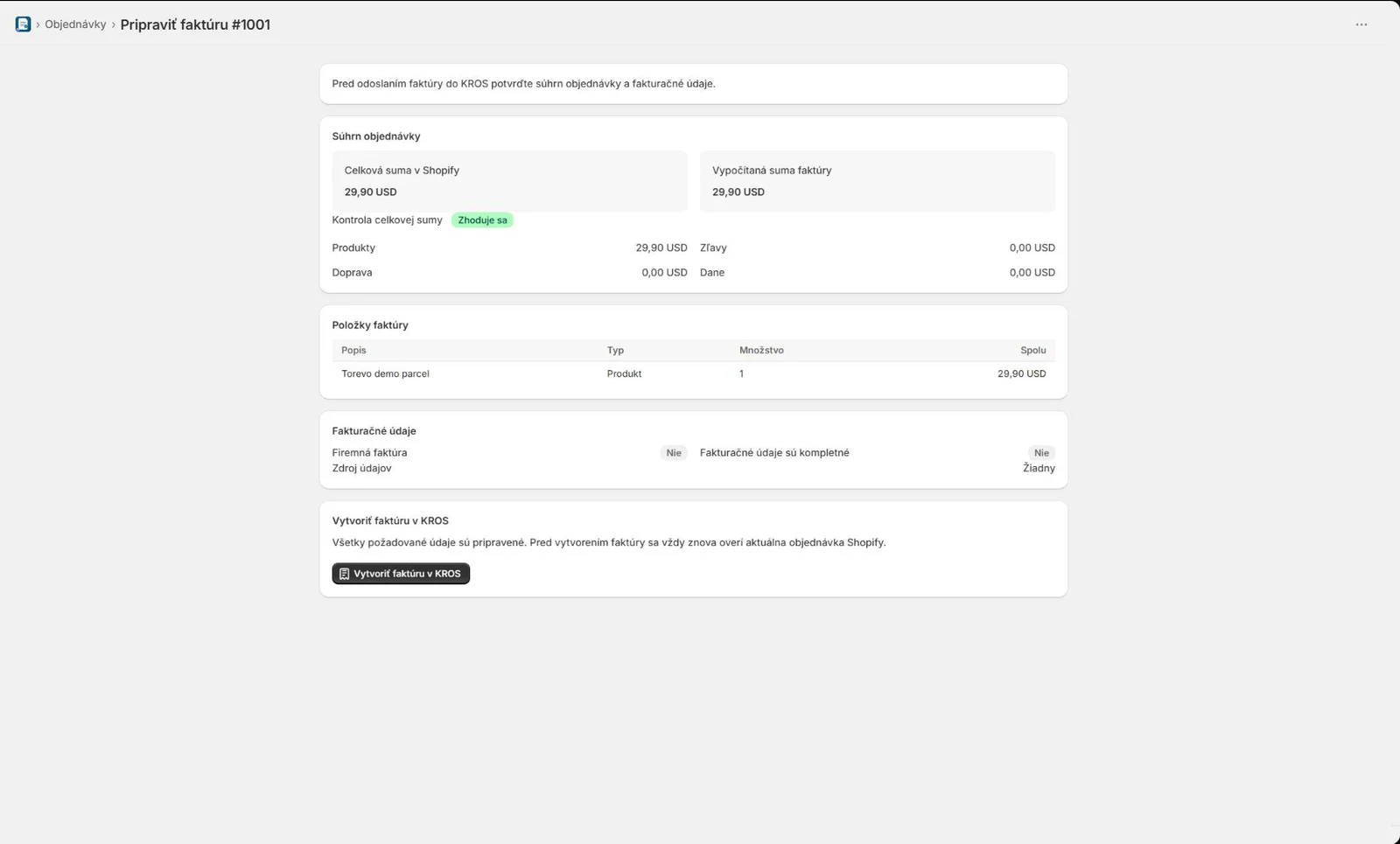
What is checked before invoice creation
- products, quantities, discounts and shipping
- tax rates, currency and final total
- customer company and billing details
- numbering sequence, dates and connection readiness
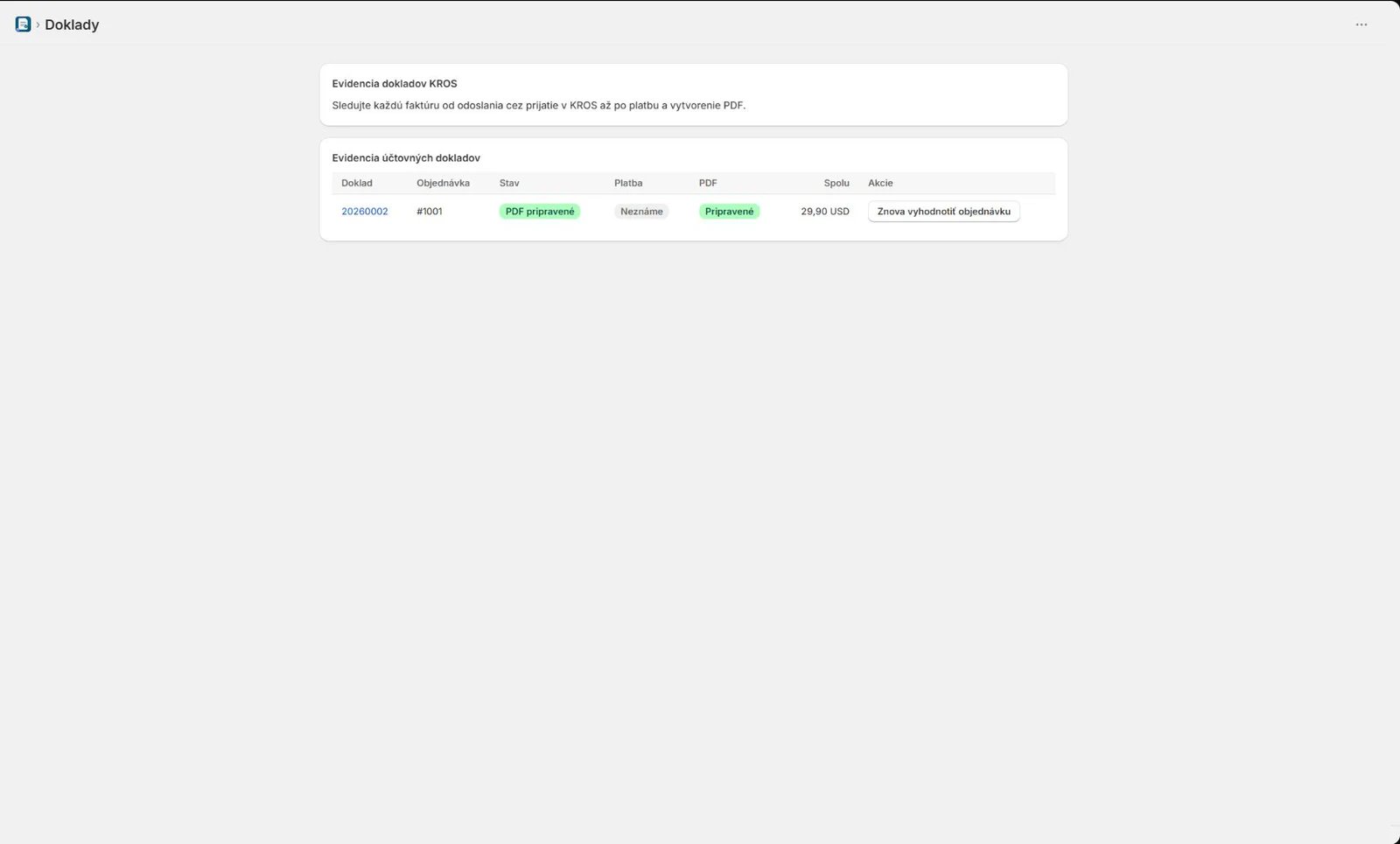
Review the order, company details, tax and totals before creating the document. After submission, the invoice status, PDF, payment and any exception remain visible from the Shopify order.
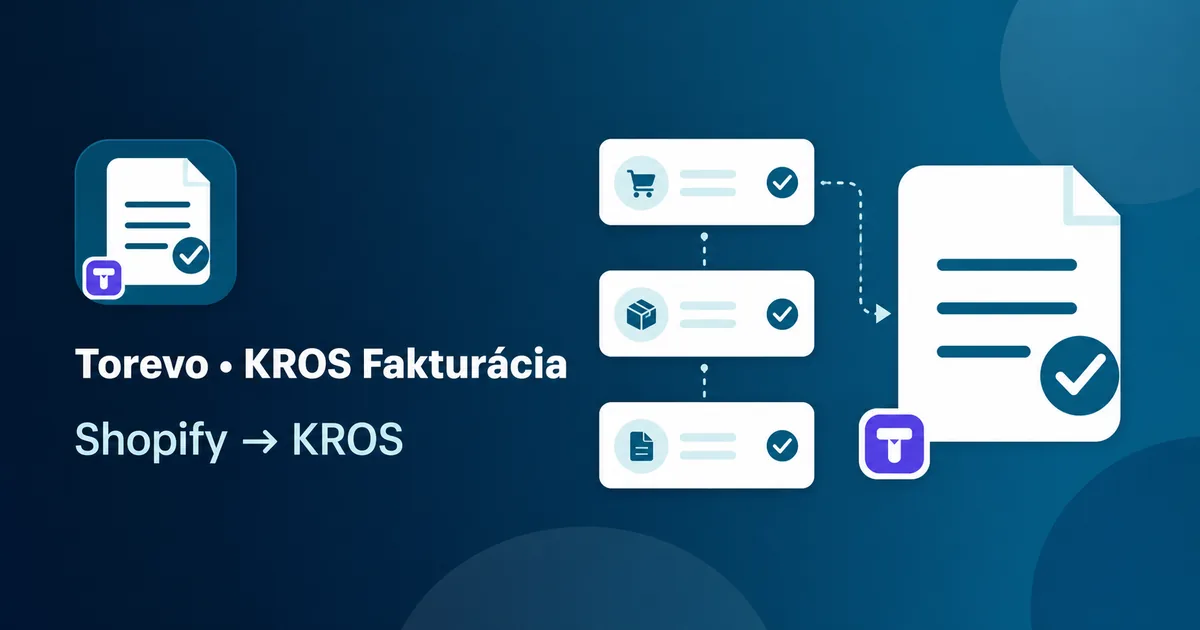
Shopify, Torevo and KROS remain separate services. The app connects the order and invoicing workflow but does not change the merchant’s accounting or tax obligations.
Review totals and company details before document creation. Afterwards, invoice, PDF, callback, and payment states remain traceable beside the order.
You need a Shopify store, a compatible KROS Fakturácia package with API connections, and confirmed accounting rules.
Enter the API token, verify the company, and configure the numbering sequence, webhook, and PDF report.
Confirm dates, VAT, customer identity, line items, shipping, and supported payment profiles.
Verify totals, the KROS document, PDF, payment, and safe operation retries on a test order.
Every creation uses an idempotency key and checks for an existing result before retrying. An uncertain outcome is never resubmitted blindly. It remains available for review and reconciliation.
Markets: SK
USD 13.99 monthly or USD 139.90 annually, with a 14-day trial. Shopify manages the subscription.
Pricing verified: 21 July 2026The app handles order data, billing identity, line items, tax, totals, payment state and technical identifiers required to create and trace a document. The KROS token is write-only after storage.
Requirements, connection setup, daily operations and safe troubleshooting are separated into focused guides.
The app does not replace the merchant’s accounting decisions. Unknown payment gateways, ambiguous outcomes and credit notes require review according to the documentation.
The interface keeps the next step, the result, and anything that needs attention easy to understand.
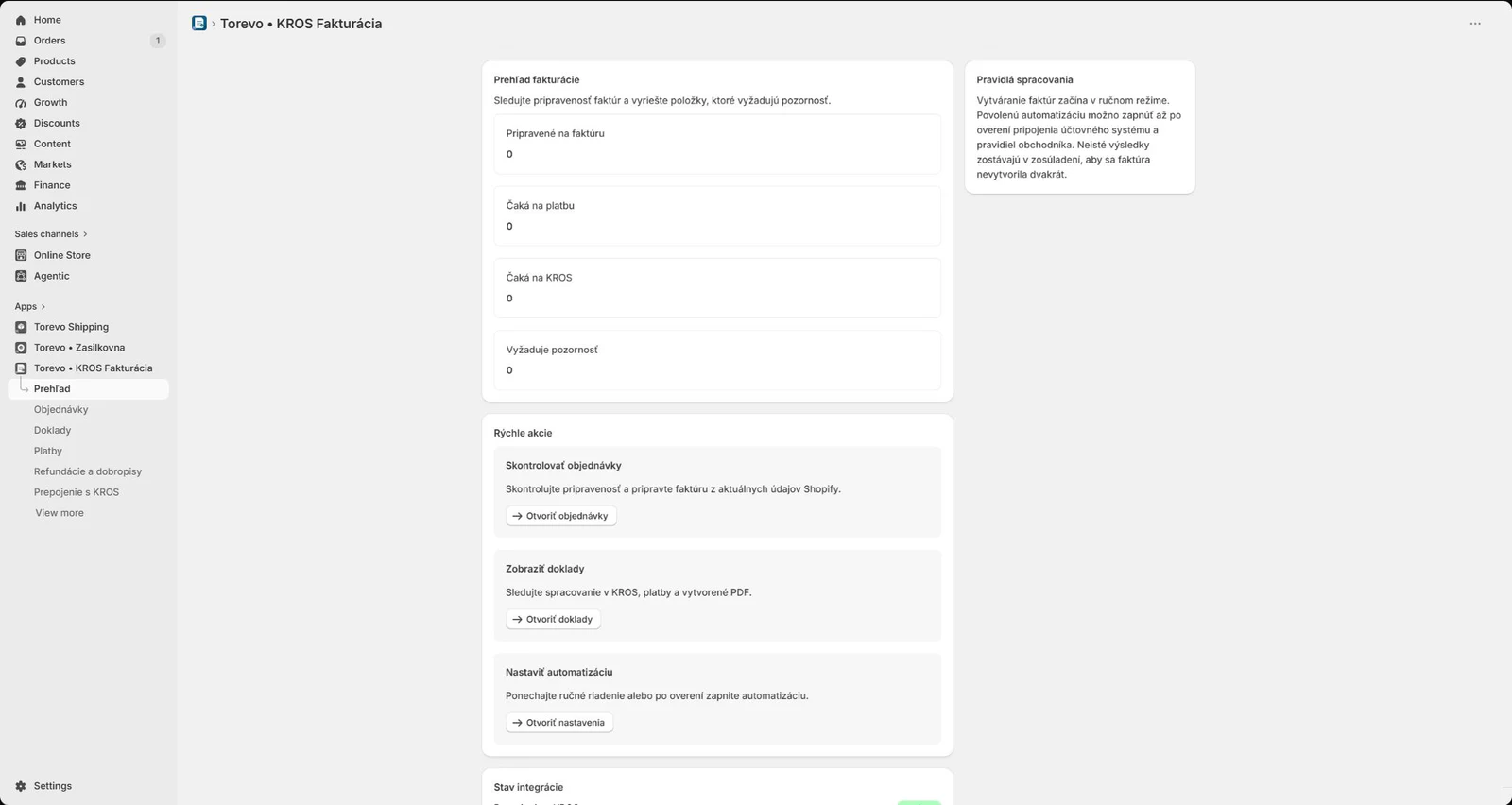
You need a compatible KROS Fakturácia package with API connections. Confirm availability in the current KROS pricing page or with KROS support.
Start by manually creating and verifying a test invoice. Enable supported automation only after confirming accounting rules and test results.
Yes. Customers can securely download the completed invoice from their protected order status. An optional link can be added to Shopify notifications.
Yes. Selected eligible orders can be reviewed and processed in a batch. Problematic orders remain separated for review.
Refunds are presented for accounting review. Credit notes are currently created manually in KROS because the KROS API cannot create them.
Send us a short description of the store, KROS package, and invoicing workflow. We will define the suitable scope and setup path with you.